Guides
How opt-outs and customer data requests work in Tend
The short answer
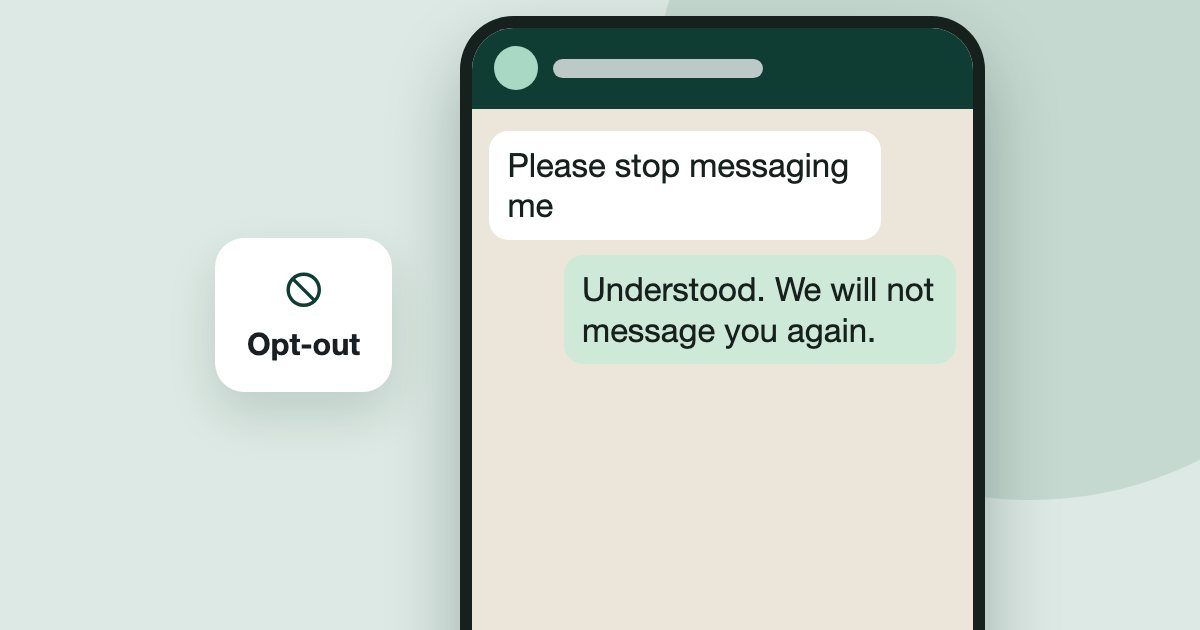
When a buyer sends stop, unsubscribe or opt out, Tend stops automatic messages to them on every channel. Each lead has a Contact basis record you can export. An admin can export it or use Delete contact when a customer asks. Deleting cannot be undone.
On this page
Your customers can ask you to stop contacting them, or ask what you hold about them. Here is how to handle both.
When a buyer says stop
Tend treats these as an opt-out when they are the message: stop, unsubscribe, opt out, optout, إيقاف and إلغاء الاشتراك. It records the words they used. It also recognises some clear plain-language requests.
The lead then shows Do not contact. Only the customer can reverse their own request, by replying START. Tend can still answer a person who writes in, but a person on your team cannot start a new email to them. The lead page shows the Do not contact banner.
When a buyer asks in other words
If they ask not to be called, choose Do not call on My calls. That only works for someone in the call queue. If they want to be removed altogether, use Delete contact, below.
See why you could contact someone
- On a lead, open the compliance badge, then Contact basis.
- It shows the record of how you came to be in touch, and can be exported with Export record.
When a customer asks for their data or to be deleted
In the Tend menu, open More, then Settings, then Plan and billing, then Export all data. The A customer asks section points to the two tools:
Export record gives you that person's record to send to them.
Delete contact permanently removes them. Only admins can do it, and it cannot be undone.
The steps again, in short
- Let opt-outs work. When a buyer sends stop, unsubscribe or opt out, Tend records it and stops marketing to them.
- Act when they ask in other words. Choose Do not call on My calls, or use Delete contact if they want to be removed.
- Check the record. On the lead, open the compliance badge, then Contact basis.
- Answer a data request. Use Export record to send their data, or Delete contact to remove them. Deleting is permanent.
See it on your own enquiries
Tend answers, qualifies and routes WhatsApp enquiries from your own listings, with your agents in control.
Related reading
- Guides1 min read
How to capture leads from your website
Send enquiries from your own website into Tend, and record marketing consent when you need it.
- Guides2 min read
How to change your plan and manage billing
See your usage, change plan, update payment details, or cancel.
- Guides2 min read
How to connect your email inbox to Tend
Bring a work mailbox into Tend's inbox, and choose how the AI handles lead emails. Available on request.