WhatsApp
How to Add AI to WhatsApp Business Without Changing Your Number
The short answer
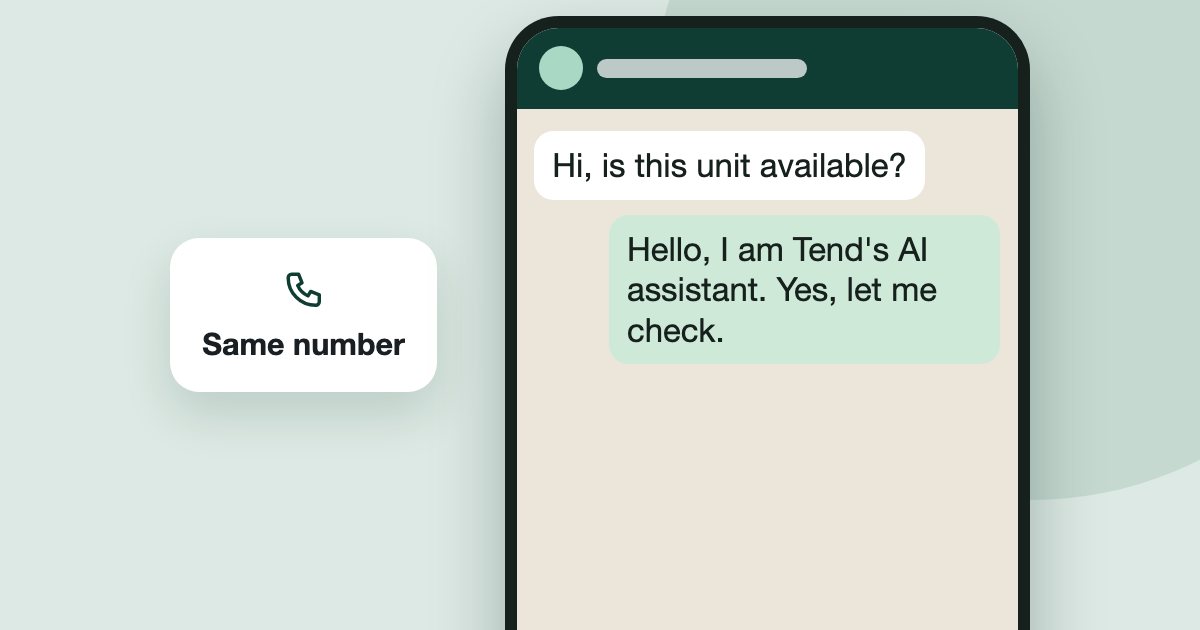
You can often keep your number. Meta's Coexistence option lets a WhatsApp Business app number also connect to the WhatsApp Business Platform, so an assistant can answer while you keep using the app. Meta decides eligibility, and some app features change. A personal WhatsApp number has to move to WhatsApp Business first.
On this page
Buyers already have your number, so changing it is the last thing most brokers want. Often you do not have to. Whether you can keep the app as well depends on the kind of WhatsApp you use today and on what Meta allows for your number.
Which WhatsApp do you use today?
There are three starting points, and each works differently. Check which WhatsApp app is on your phone first. These are the paths Tend supports.
Scroll sideways to see the whole table.
| You use today | What happens | Do you keep the phone app? |
|---|---|---|
| WhatsApp Business app | Connects through Meta's Coexistence option | Yes, where Meta allows it |
| Personal WhatsApp | Move the number to WhatsApp Business first, then connect | Yes, once it is on WhatsApp Business and Meta allows it |
| A new number | Meta sends a 6 digit code to it. It must not be in use on WhatsApp | There is no app to keep |
What is Coexistence?
Coexistence is Meta's name for one number working in two places: the WhatsApp Business app on your phone and the WhatsApp Business Platform that software connects to. Before it existed, connecting a number generally meant giving up the app. Meta's documentation sets the rules, and it does not list which countries are eligible in the pages we read, so test your own number rather than assuming.
What changes when you connect?
Some things carry on as they did. Others do not, and it is better to know before you start.
- Your number stays the same, and buyers notice nothing.
- You can still reply from your phone.
- Past chats can be brought in once, up to 180 days back. Your address book and history sync only once.
- Some features stop working on the platform side. Meta lists groups, broadcast lists, calls, disappearing and view-once messages, and catalogues and orders as unsupported. Check Meta's current list.
- You must open the app regularly. If the WhatsApp Business app has not been opened for about 14 days, Meta can disconnect the number from the platform.
- Message costs can apply. Meta charges for some messages sent through the platform. See WhatsApp costs in the UAE.
How do you and the AI avoid replying over each other?
Decide this before you connect, because two voices in one chat is the fastest way to lose a buyer's trust.
You can also keep family and friends out of it. See how to keep personal numbers away from Tend.
What should you do before you connect?
- Make sure you have the WhatsApp Business app on the phone with that number, and not personal WhatsApp.
- Have your Facebook login ready. If you have no business page, Meta makes one along the way.
- Use a computer, because one step asks you to scan a code with your phone.
- Add your listings first, so the assistant has something true to say.
- Test the assistant without customers before it answers anyone. See how to set up the assistant.
When will this not work?
How do you connect in Tend?
Follow the step-by-step guide. If your team sells off-plan, see how Tend works for off-plan brokerages, or book a demo and we can go through it with you.
Frequently asked
- Can I add AI to WhatsApp Business without changing my number?
- Often yes. Meta's Coexistence option lets a WhatsApp Business app number also connect to the platform, where Meta allows it for your number. Test your own number, because Meta decides eligibility.
- Can I keep using the WhatsApp Business app after connecting?
- Yes, under Coexistence. In Tend, a reply from your phone pauses the AI on that chat until you hand it back. Open the app regularly: Meta can disconnect a number whose app has not been opened for about 14 days.
- Can a personal WhatsApp number use this?
- Not directly. Move the number to the WhatsApp Business app first, then connect it.
- Do I lose my old WhatsApp chats?
- Under Coexistence, they stay on your phone, and in Tend chats from up to 180 days back come in once when you connect.
- What stops working under Coexistence?
- Meta lists groups, broadcast lists, calls, disappearing and view-once messages, and catalogues and orders as unsupported on the platform side. Check Meta's current list before you connect.
Sources
See it on your own enquiries
Tend answers, qualifies and routes WhatsApp enquiries from your own listings, with your agents in control.
Related reading
- WhatsApp5 min read
WhatsApp Automation for Real Estate: What to Automate and What to Keep Human
A plain guide to what a Dubai brokerage can safely automate on WhatsApp, what should stay with a person, and the rules that apply.
- WhatsApp8 min read
WhatsApp Business API Pricing in the UAE: Every Rate Explained (2026)
Meta changed WhatsApp Business pricing again on 1 October 2026. Here are the current UAE rates, when messages are free, and what a brokerage actually pays.
- Lead management4 min read
A Simple Follow-Up System for Dubai Property Leads
A simple follow-up plan for Dubai property leads, based on what the evidence and the rules really say.