Guides
How to keep family and personal numbers away from Tend
The short answer
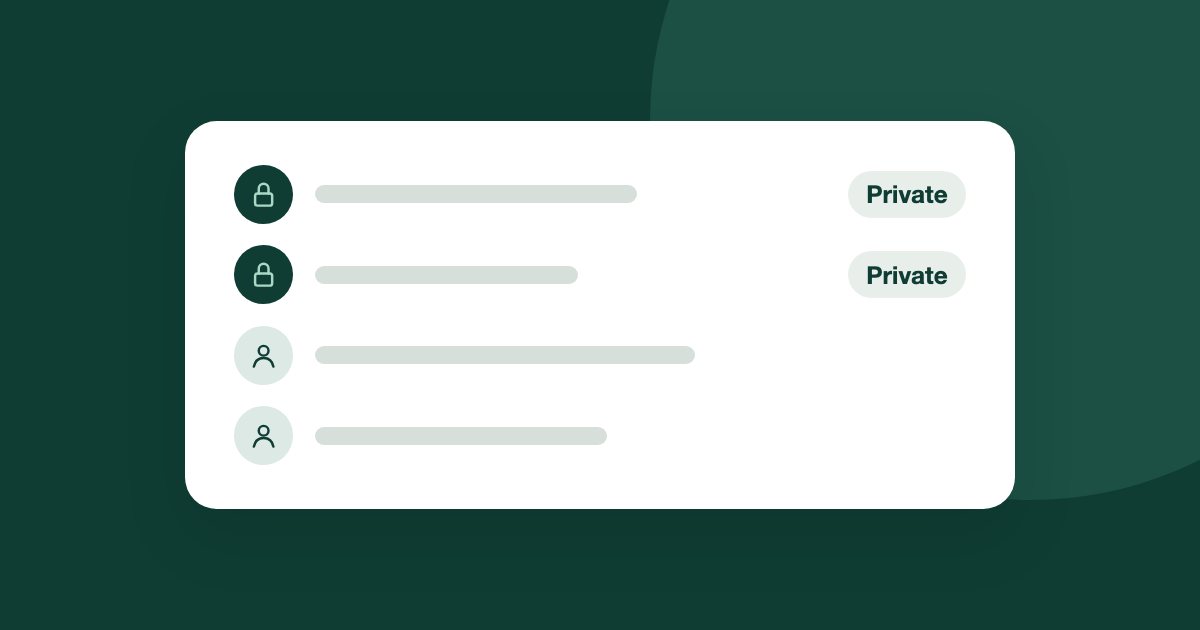
Open More, Settings, WhatsApp, then Numbers left to people only. Add a number as Private, so Tend ignores it completely, or as AI off, so people can see the chat but the AI cannot reply. Only admins can do this. Excluding a number does not delete what Tend already holds.
If your work number also receives messages from family, friends or private clients, tell Tend before you connect it.
Add a number
- In the Tend menu, open More, then Settings, then WhatsApp.
- Open Numbers left to people only.
- Under Add a number, enter the WhatsApp number with its country code, and a label if you want one. Only you see the label.
- Choose the mode.
You can add up to 200 numbers at once, one per line. They are added as Private.
Choose the mode
Private: Tend ignores the number completely. Keep chatting from the WhatsApp Business app.
AI off: the chat stays in Tend for your team, with no AI and no automatic messages.
New numbers default to Private, the stricter one. Only admins can see or change this list.
What it does not do
The steps again, in short
- Open the list. In Settings, open WhatsApp, then Numbers left to people only.
- Add the number. Enter it with its country code, and a label if you want.
- Choose the mode. Pick Private or AI off.
- Delete only if you need to. Deleting what Tend already holds is separate, and needs you to type DELETE.
See it on your own enquiries
Tend answers, qualifies and routes WhatsApp enquiries from your own listings, with your agents in control.
Related reading
- Guides1 min read
How to capture leads from your website
Send enquiries from your own website into Tend, and record marketing consent when you need it.
- Guides2 min read
How to change your plan and manage billing
See your usage, change plan, update payment details, or cancel.
- Guides2 min read
How to connect your email inbox to Tend
Bring a work mailbox into Tend's inbox, and choose how the AI handles lead emails. Available on request.