Lead management
How to Route WhatsApp Leads, Keep Ownership Clear and Escalate Unanswered Enquiries
The short answer
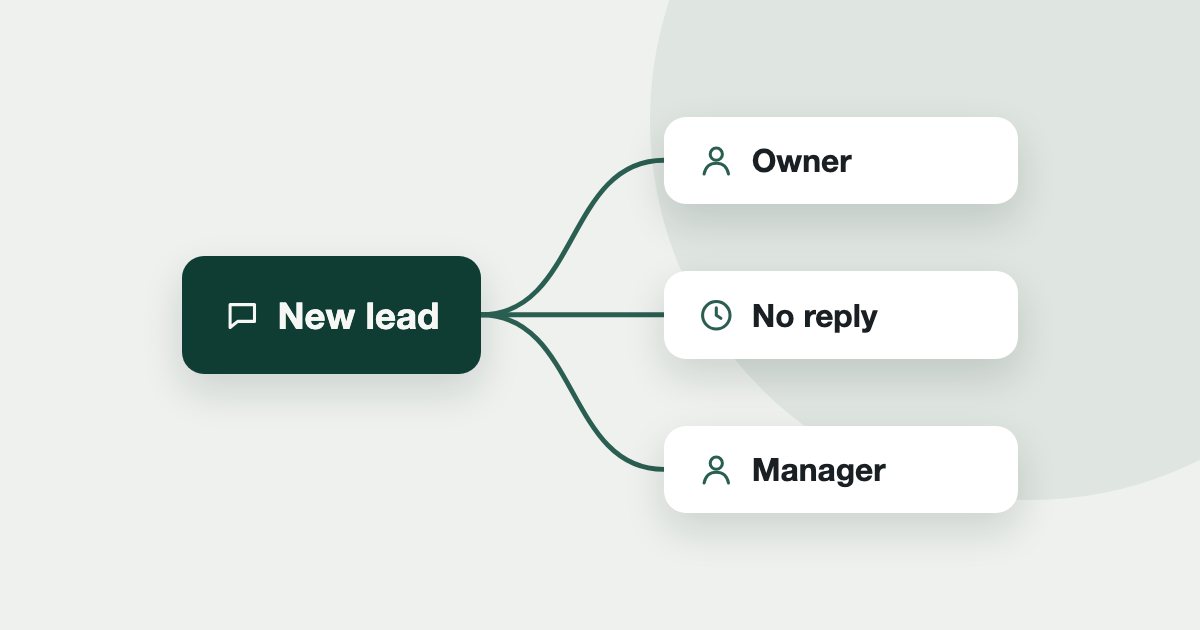
Write down who gets each kind of lead, keep a returning buyer with the agent they already know, and set a deadline for an agent to pick up a lead. When the deadline passes, reassign automatically and tell a manager. The rules matter more than the software.
On this page
A lead with two owners gets two calls, and a lead with none gets no calls. Most brokerages only discover their rules when something goes wrong. Write them down first, then set them up in whichever system you use.
How should leads be assigned?
Choose the simplest rule that fits how you actually sell. You can combine these.
Scroll sideways to see the whole table.
| Rule | Suits | Watch out for |
|---|---|---|
| By property or project | Agents who own stock | Leads about nothing specific |
| By area | Teams with area specialists | Uneven enquiry volumes |
| By language | Arabic and other language desks | Too few speakers on shift |
| By budget | Senior agents on bigger deals | Newer agents get little practice |
| Least busy | Even teams | Rewards nobody for closing |
Who owns a lead that comes back?
Decide this before it causes an argument. A returning buyer should normally stay with the agent who already knows them, unless that agent has left or the buyer asks to change. Write down what happens when two agents claim the same buyer, and who decides. On a shared system the record settles most of these. On personal phones nothing does.
What should happen when nobody answers?
Set a deadline and a next step. An unanswered lead is the failure most worth designing for, since no one sees it.
- The assigned agent gets a deadline to pick the lead up.
- A reminder goes out before it expires.
- The lead moves on to the next available agent.
- After a set number of moves, it goes to a manager.
- A lead with no owner alerts a manager too. It is worse than one owned and unanswered.
Choose a deadline your team can really meet, and allow for shifts and leave.
What should managers look at?
Check the exceptions every day rather than an average every month: leads nobody claimed, agents holding many unanswered chats, and leads moved more than once. Then ask why.
What happens when an agent leaves?
Hand over open leads the same day, and remove their access. A WhatsApp conversation on a personal phone leaves with the agent, which is the strongest argument for a shared number.
How do you set this up in Tend?
Full steps are in how to set qualifying questions and routing rules.
- Rules: Settings, Team, then Groups and routing rules. Tend checks rules from top to bottom, and the first match wins. A listing's owning agent comes ahead of your rules, and whoever already owns the chat comes first.
- No match: the default is the least-busy agent who is active and able to receive leads.
- Nobody replies: Inbox, Reply targets, then If nobody replies sets the Claim deadline, a Claim reminder, and Maximum rescue attempts.
- Leaving: Revoke login hands back their open leads. See how to add people.
- Daily view: the Exceptions tab in Insights, and Today.
See how Tend works for brokerage owners, off-plan teams, or book a demo.
Frequently asked
- How should a brokerage assign WhatsApp leads?
- Choose the simplest rule that fits how you sell: by property, area, language, budget or least busy. Write it down, and keep a returning buyer with the agent who knows them.
- What should happen to an unanswered lead?
- Give the agent a deadline and a reminder, move the lead to the next available agent when it passes, and alert a manager after a set number of moves.
- Who owns a lead when two agents claim it?
- Decide in advance who settles it. A shared record of who spoke to the buyer first settles most of these, which personal phones cannot do.
See it on your own enquiries
Tend answers, qualifies and routes WhatsApp enquiries from your own listings, with your agents in control.
Related reading
- Lead management4 min read
A Simple Follow-Up System for Dubai Property Leads
A simple follow-up plan for Dubai property leads, based on what the evidence and the rules really say.
- Lead management5 min read
How to Get Real Estate Leads in Dubai: 8 Channels Compared
Eight ways a Dubai broker can get enquiries, what each one needs, and the rule to check before you spend.
- Lead management3 min read
How to Handle After-Hours Property Enquiries in Dubai
An enquiry at 11pm is still an enquiry. Here are the three ways to handle one, what each risks, and what to do the next morning.